StarTech EDID Emulator for HDMI Displays, 1080p - VSEDIDHD
Model # VSEDIDHD
-

SKU: VSEDIDHD
1 Reviews
- Pick Up Available
- Australian Warranty
- Checkout Securely




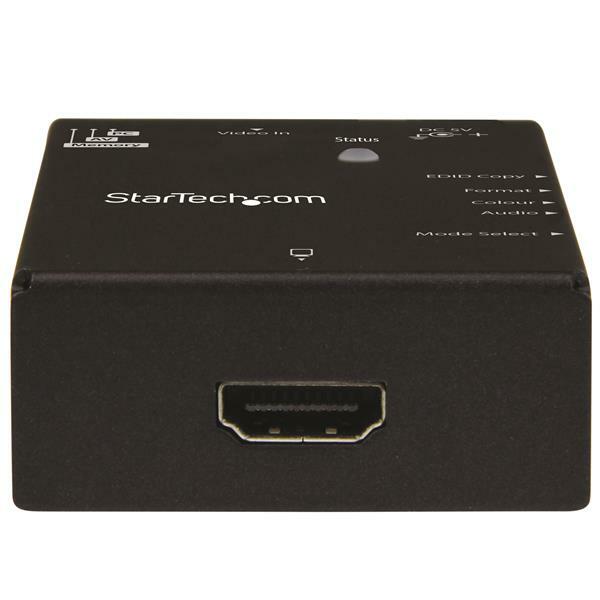
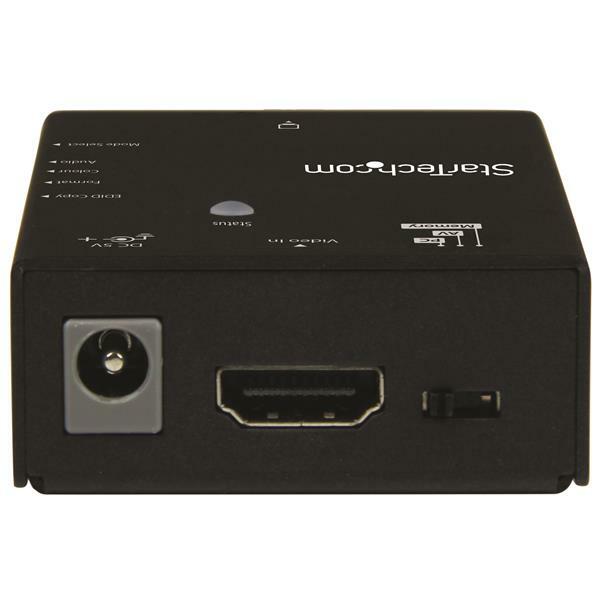
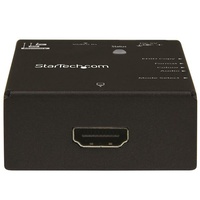
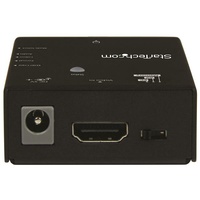
This EDID emulator resolves video communication problems that can occur between your HDMI video source and display. The emulator can copy or synthesize the Extended Display Identification Data (EDID) from your HDMI display and relay it to your video source, to fix problems that may result from using third-party equipment such as video extenders, video switches or KVMs in your video setup.
Achieve maximum performance from your HDMI display
EDID contains important information that your television or projector needs, to deliver its best picture quality. Because most video extenders or switches block EDID communication between your video source and display, EDID is often lost in transmission, limiting your video source's ability to output your display's native resolution. Using the EDID emulator, you can ensure your HDMI source and display are perfectly in sync, for crystal-clear picture quality.
Versatile configuration options, with EDID copying or EDID ghosting
To ensure that any EDID communication issue can be solved, the EDID emulator supports both EDID copying and EDID ghosting.
EDID copying saves the EDID settings from your display and communicates those exact settings to your source, which is perfect for EDID issues that are caused by a third-party disruption, such as a video switch or extender.
EDID ghosting lets you emulate generic EDID settings, to deliver common data to your source or display. This is the perfect solution for EDID issues that often occur when you’re working with devices that don’t output EDID, such as older legacy equipment or some analog to digital video adapters.
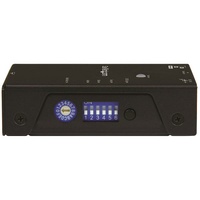
Easy to set up, with a hassle-free rotary dial
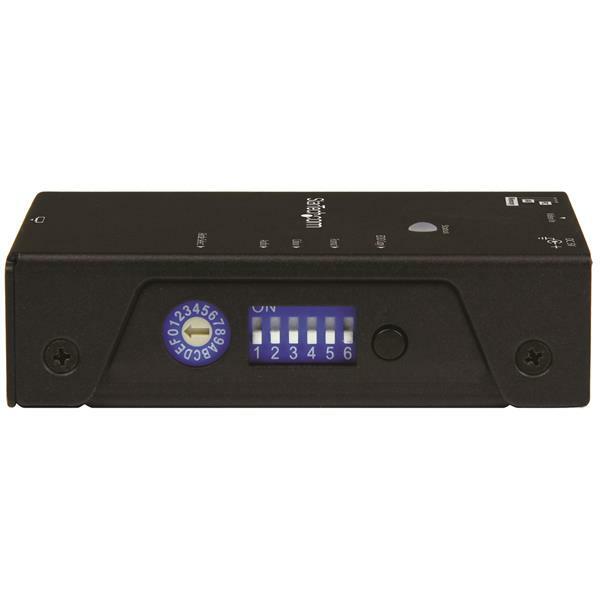
EDID communications contain a lot of important settings, such as maximum image size, color characteristics, factory preset timings, frequency range limits and more. With all of these specific details, it's easy to be confused or crossed up by the data. This emulator eliminates the hassle and confusion that comes with EDID, giving you a rotary dial that you can use to configure all of your settings in one simple step.
The VSEDIDHD is TAA compliant and backed by a StarTech.com 2-year warranty with free lifetime technical support.
(VSEDIDHD)
| SKU | VSEDIDHD |
| Barcode # | 65030861809 |
| Brand | Startech |
| Shipping Weight | 0.2400kg |
| Shipping Width | 0.100m |
| Shipping Height | 0.050m |
| Shipping Length | 0.150m |
| Shipping Cubic | 0.000750000m3 |
Makes Foxtel IQ4 work perfectly with an old CRT te
By: David McLay on 10 July 2019This wonderful StarTech EDID emulator solved all of my HDMI problems. My elderly parents recently had Foxtel IQ4 installed, but did not want to give up viewing their trusty Toshiba 16:9 HD 32" CRT television (2004 build) with an attached Pioneer DVD recorder. Without the StarTech device and using Foxtel, the TV and DVD recorder both defaulted to 60Hz rather than 50Hz.. This caused choppy vision, which made fast moving sports unbearable to watch.. With the device installed, voila! The TV can now operate optimally at 1080i 50Hz and the DVD recorder can do PAL 625 at 50Hz. The picture looks heaps better. What a clever little gadget!
(5)